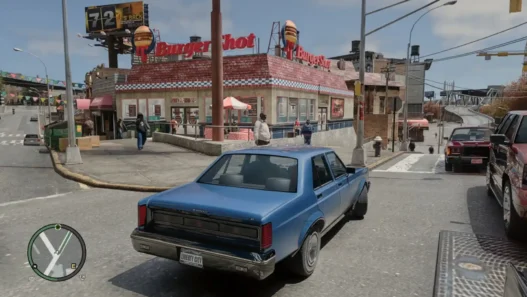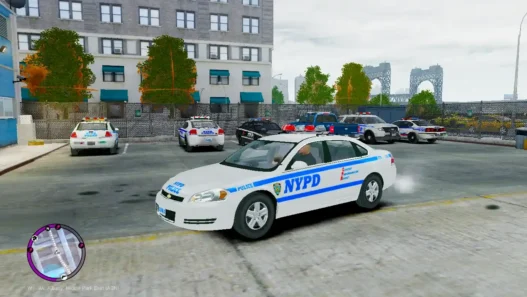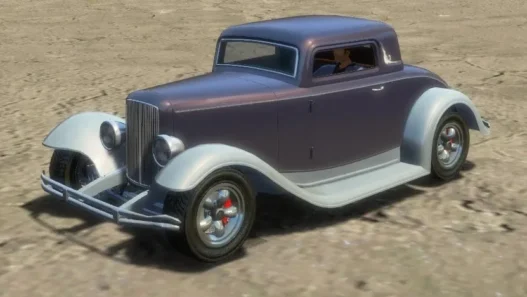

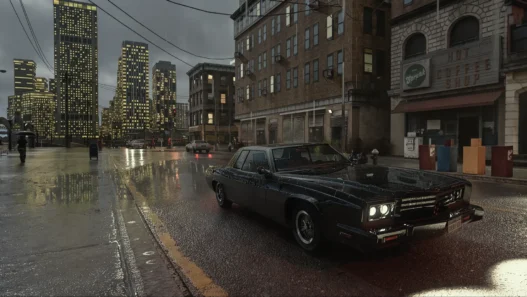
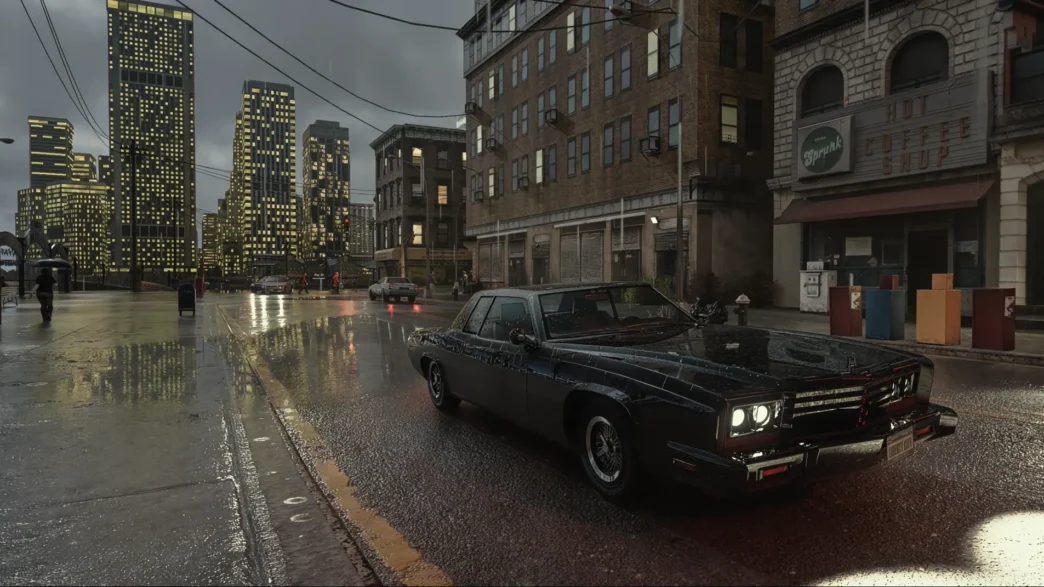
Download the GTA IV RTX Remix Compatibility Mod v1.5.2 for Grand Theft Auto IV. This mod allows GTA IV: The Complete Edition (1.2.0.59) to work with NVIDIA RTX Remix.
Providing the compatibility layer needed to use RTX Remix features and graphics enhancements in GTA IV. It also includes a baseline Remix mod, GTAIV-AutoPBR support, a custom Remix Runtime and a tailored FusionFix fork.
Features
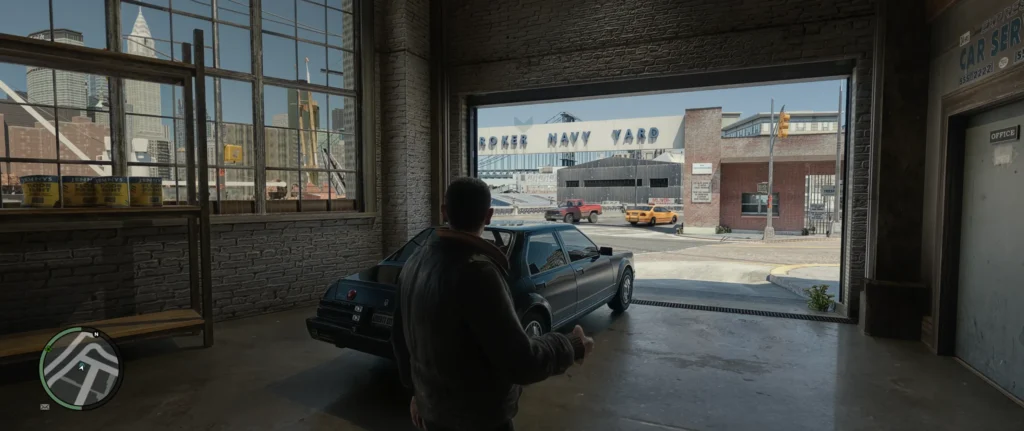
- NVIDIA RTX Remix compatibility for GTA IV
- Custom Remix Runtime with GTA IV-specific changes
- RTX Remix and FusionFix compatibility
- GTAIV-AutoPBR support
- Improved shadow stability and reduced shadow flickering
- Less noisy headlights with updated RTXDI settings
- In-game Compatibility Mod menu with F4
- RTX Remix menu with Alt + X
- Additional graphics, PBR and mesh improvements
- Mod installer and updater
Version 1.5.2 also includes several stability and settings improvements, including changes to Remix Vars, particle effects and RTXDI.
Installation
Here are some easy methods to install this mods pack in your game:
Install using the installer
- Download Zip File and Setup File.
- Place both files in the same folder. There is no need to copy them to your GTA IV game folder. Run
GTAIV-Remix-CompMod-Installer.exe. - When prompted, use the File Dialog to select your
GTAIV.exe, which is located in your GTA IV installation folder. - If this is your first installation, the installer will ask whether you want to install a custom fork of FusionFix.
- Press YES — if you already have FusionFix installed, it is strongly recommended to install this version because the original, unmodified version has some incompatibilities with RTX Remix. If you do not have FusionFix installed, you can choose either option. It is not required, but is highly recommended.
- The installer will ask whether you want to download the required base-remix-mod.
- Press YES — the Compatibility Mod will not function correctly without it.
- Select the GIT installation method, as this is recommended. It makes updating to newer versions easier and uses less bandwidth.
- The installer will ask whether you want to download the optional gta4-autopbr-mod.
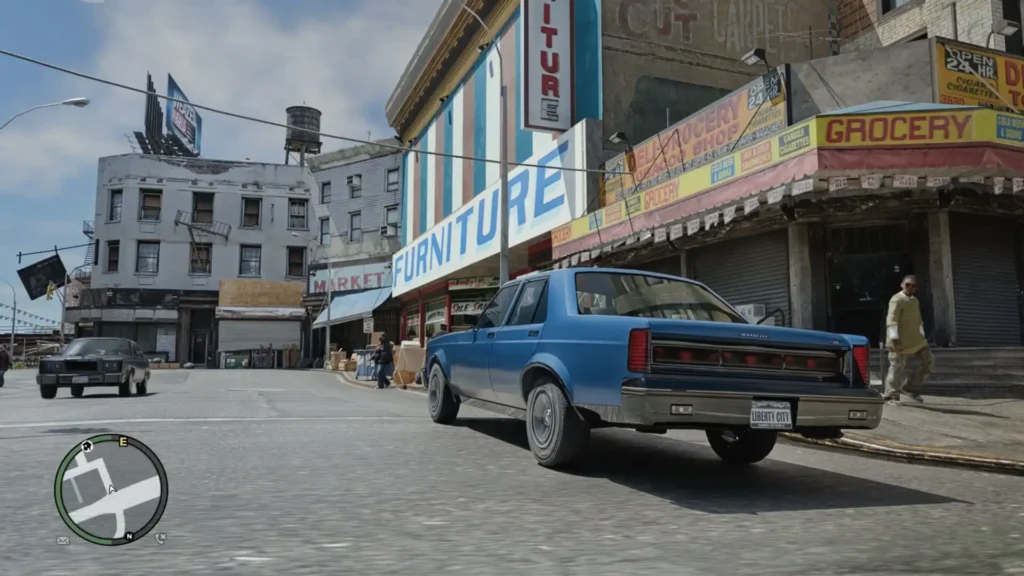
- This mod converts various game materials to approximated PBR materials, helping to make the game look less plasticky. It is completely optional.
- If you use Steam to launch GTA IV, make sure you remove any custom launch arguments from the game’s Steam launch options.
Important
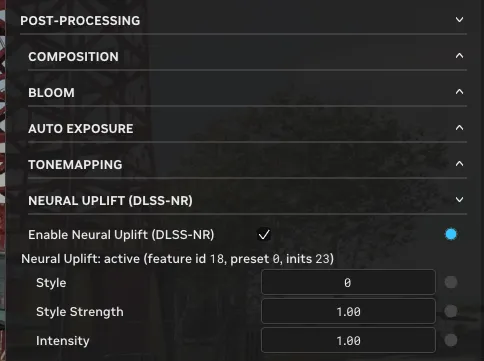
If you want to use DLSS 5 (NR), you will need to source nvngx_dlssnr.dll yourself and place it inside the .trex folder.
You can then use the NR settings found under the Post-Processing tab by pressing Alt + X and opening the Advanced Menu.
You can re-run the installer at any time and choose to check only for remix-base-mod or AutoPBR updates.
If you used the GIT installation method, the installer will perform delta updates and download only the latest changes.
The base mod, including textures and meshes, is updated regularly and these updates are not tied to Compatibility Mod releases.
Install manually
You do not need to follow these steps if you have used the installer.
- Download zip.
- Open the ZIP file and extract all files from the
GTAIV-Remix-CompatibilityModfolder into your GTA IV installation directory, next toGTAIV.exe. Overwrite any existing files when prompted. - If you want to use FusionFix, or already have it installed, it is strongly recommended to use the RTX Remix fork.
- The required files can be found inside
_installer_options/FusionFix_RTXRemixFork. - Extract the
pluginsandupdatefolders into your GTA IV directory and overwrite any existing files when prompted. - You may also want to use
GTAIV.EFLC.FusionFix.cfgfrom either themode_fullscreen/pluginsormode_windowed/pluginsfolder.
- The required files can be found inside
- Download gta4-rtx-base-mod.
- Extract the
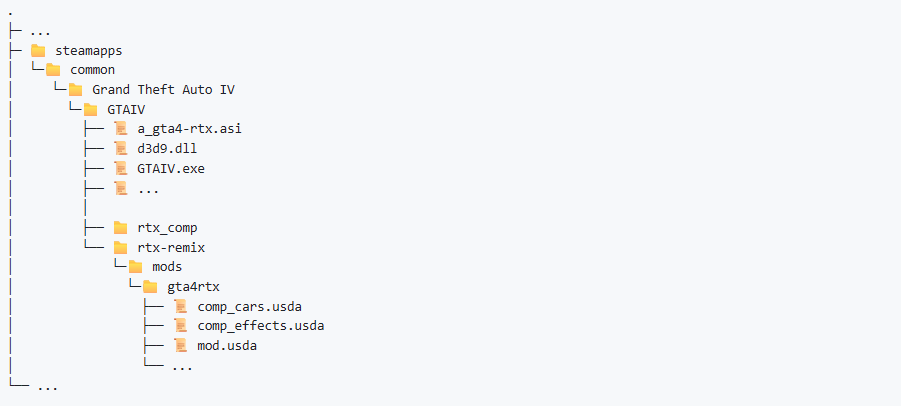
modsfolder fromgta4-rtx-base-mod-masterinto yourrtx-remixfolder so that the folder structure looks like this:
Thanks to: xoxor4d and the GTA IV RTX Remix project contributors.
Download Section