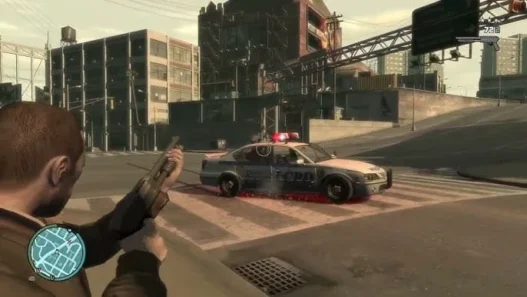
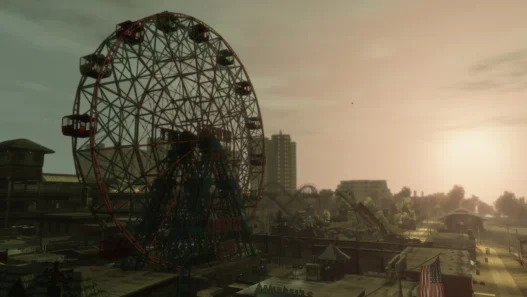
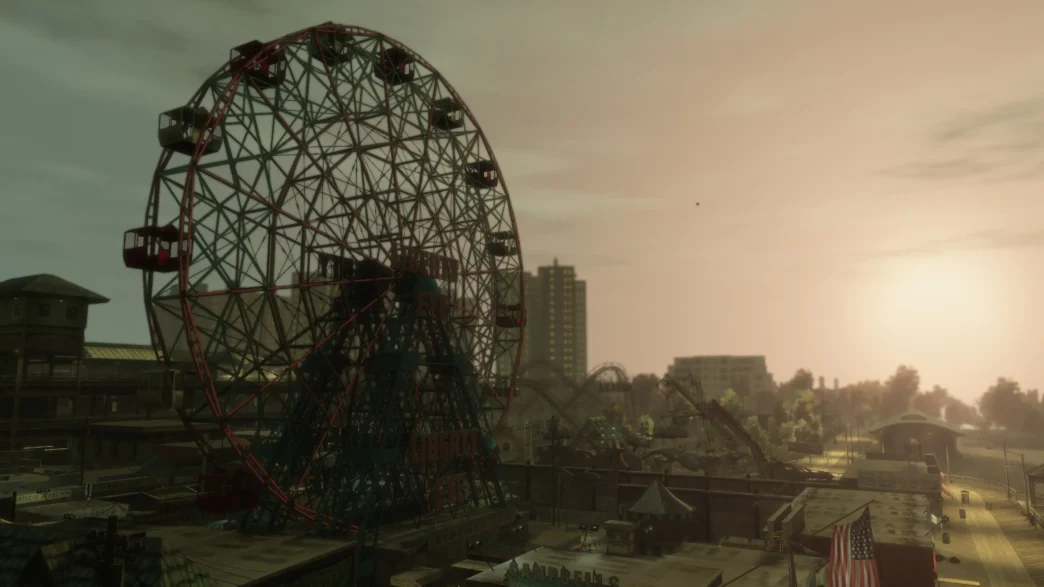
FusionFix Extra Night Shadows Fix is an xperimental graphics fix for Grand Theft Auto IV that aims to improve several shadow-related issues that can still occur when using FusionFix.
The mod focuses particularly on night-time lighting, bringing together car shadows beneath streetlamps and shadows cast by headlights, while also allowing Niko to cast shadows when he passes through headlight beams.
The fix also targets the noticeable headlight shadow cut-offs that can occur while driving, providing a more consistent appearance to GTA IV’s dynamic night-time lighting.
Improving GTA IV’s Night-time Shadows
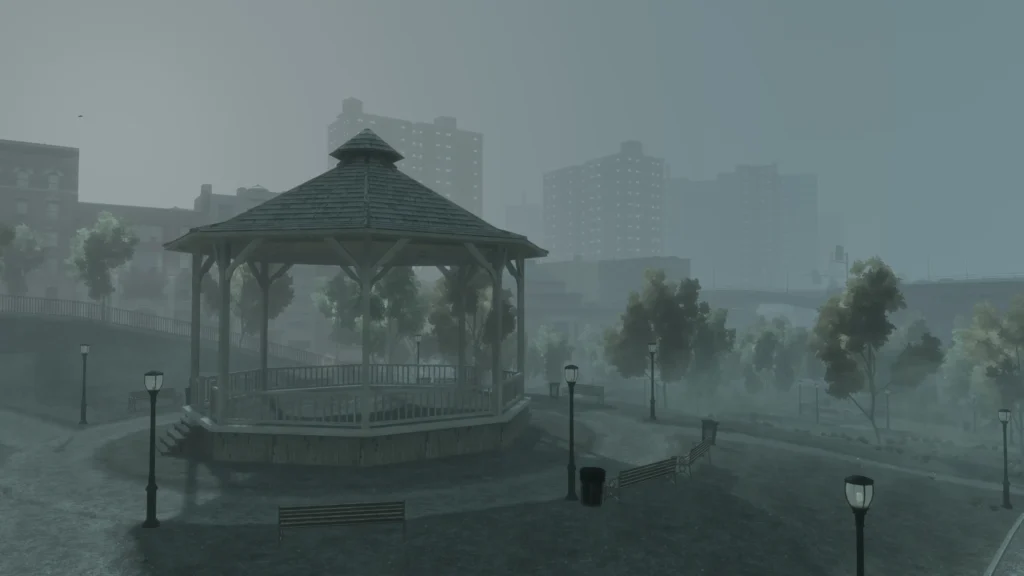
GTA IV’s lighting system can produce impressive results, particularly during the game’s darker sequences, but its dynamic shadows have some limitations.
Vehicles can cast shadows under street lighting, whilst headlights can produce their own shadows, yet these effects do not always work together as consistently as expected.
FusionFix Extra Night Shadows Fix is designed to address this behaviour.
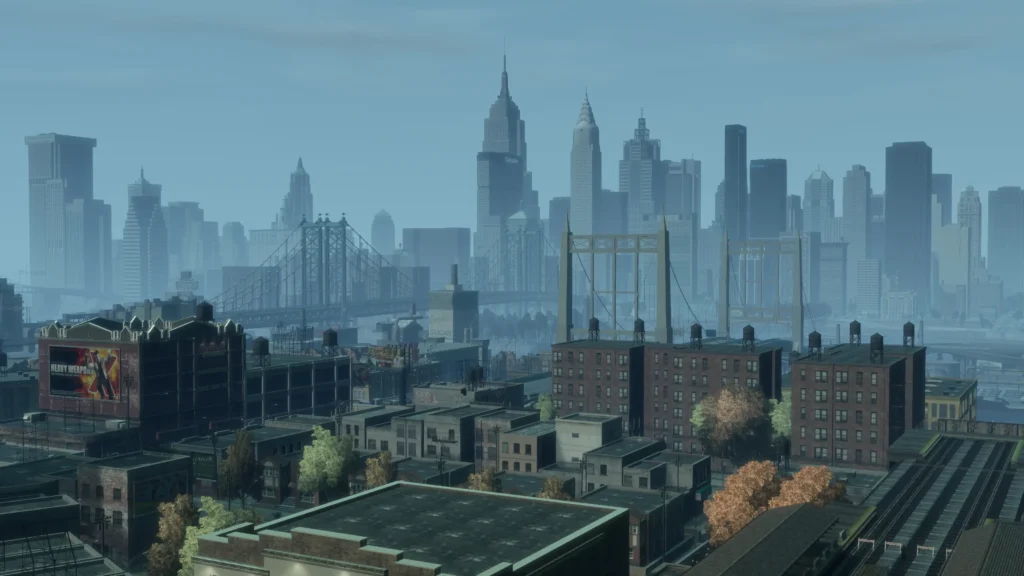
With the fix installed, the goal is to make night-time lighting feel more cohesive by combining:
- Vehicle shadows beneath streetlamps
- Headlight-generated shadows
- Niko’s shadows when walking through headlight beams
- More consistent headlight shadow rendering while driving
- Reduced or addressed headlight shadow cut-offs
The result is intended to make Liberty City’s streets look more naturally illuminated at night, particularly when several light sources interact with vehicles and pedestrians.
Installation
The mod requires a compatible installation of FusionFix before it can be applied.
To install the fix:
- Install the compatible version of FusionFix.
- Launch GTA IV once and allow it to initialise.
- Close the game.
- Extract the FusionFix Extra Night Shadows Fix files.
- Run
Install.cmd. - When prompted, select
GTAIV.exe. - Allow the installer to apply the required settings.
The installer automatically backs up the existing FusionFix files that it replaces, allowing the changes to be reverted later.
To remove the fix, simply close GTA IV and run Restore.cmd. This restores the backed-up FusionFix files.
You may like: How to fix GTA 4 Black Screen Error
The installer is also designed to preserve other graphics settings. Official update checks are disabled to prevent the modified files from being automatically overwritten.
Requirements
The mod has a specific baseline requirement:
- GTA IV Complete Edition 1.2.0.59
- FusionFix 5.0.1
The Extra Night Shadows Fix replaces the FusionFix ASI, so it should be treated as an experimental modification to the existing FusionFix setup rather than a separate graphical enhancement that can simply be dropped into any GTA IV installation.
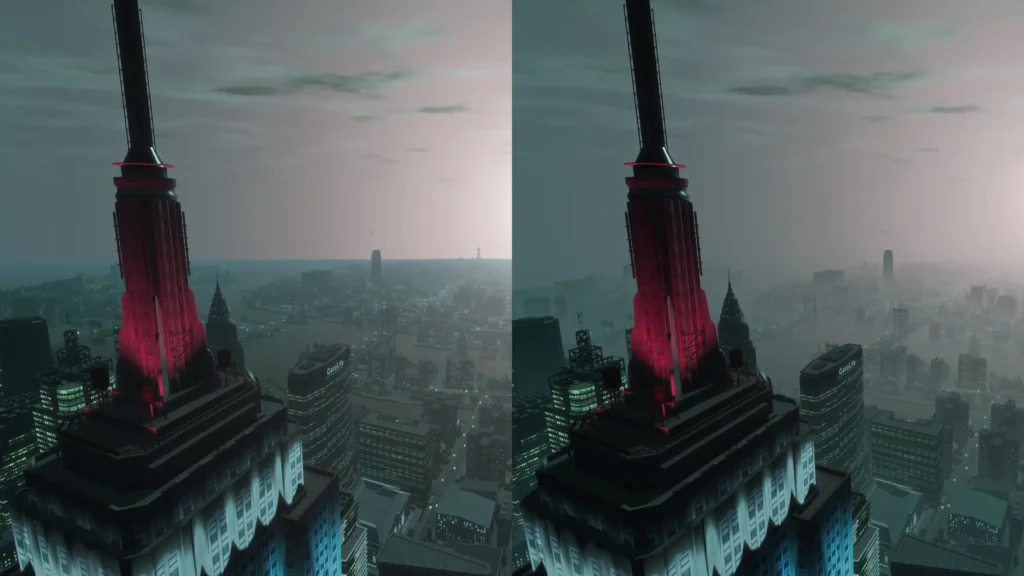
Using the specified versions is therefore important for avoiding compatibility problems.
An Experimental Preview
It is worth emphasising that this is an experimental preview. The fix changes low-level aspects of GTA IV’s lighting and shadow behaviour, meaning results may vary depending on the rest of a player’s configuration.
Players should therefore keep the backups created by the installer and be prepared to restore the original FusionFix files if they encounter unexpected behaviour.
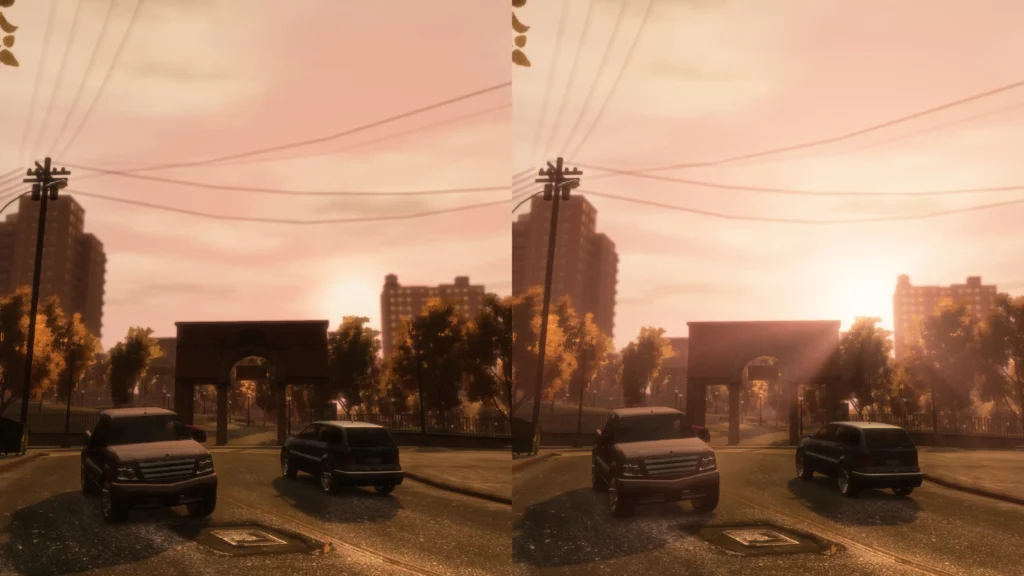
The mod is particularly suited to players who are interested in pushing GTA IV’s night-time visuals further and are comfortable testing experimental graphics modifications.
Special Thanks to: Ash735, The project builds upon the work of the wider GTA IV modding community. The author credits ThirteenAG and the FusionFix contributors for their work, with direction and testing by onyxoak and development carried out with OpenAI Codex.
You may like: GTA 4 Mission Saves Guide PC
Download Section
You can obtain the solution resources from here: