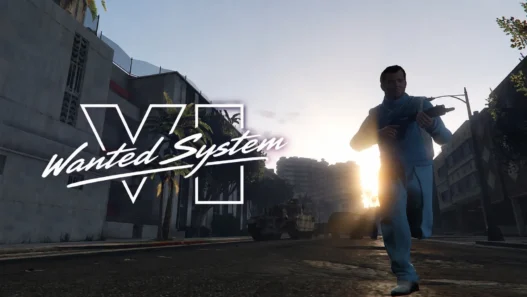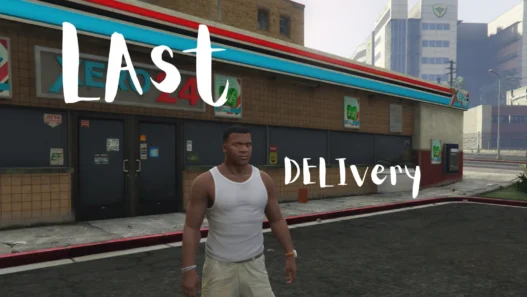

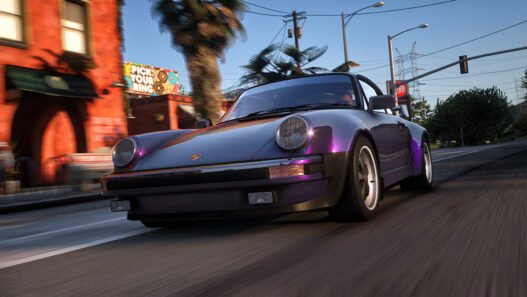
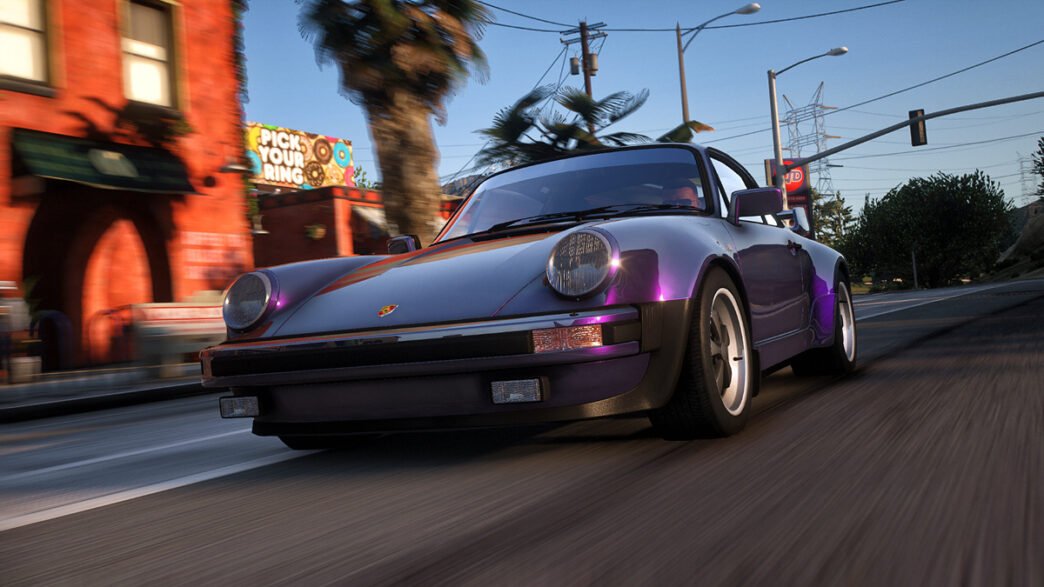
QuantV is a popular graphics overhaul for Grand Theft Auto V designed to give Los Santos a more realistic and cinematic appearance. The mod focuses on lighting, weather, colour grading, reflections, shadows and post-processing effects to create a more immersive visual experience.
QuantV has evolved from a traditional GTA V graphics overhaul into a shader suite for ReShade, with development focused on advanced visual effects and custom shader technology.
Features
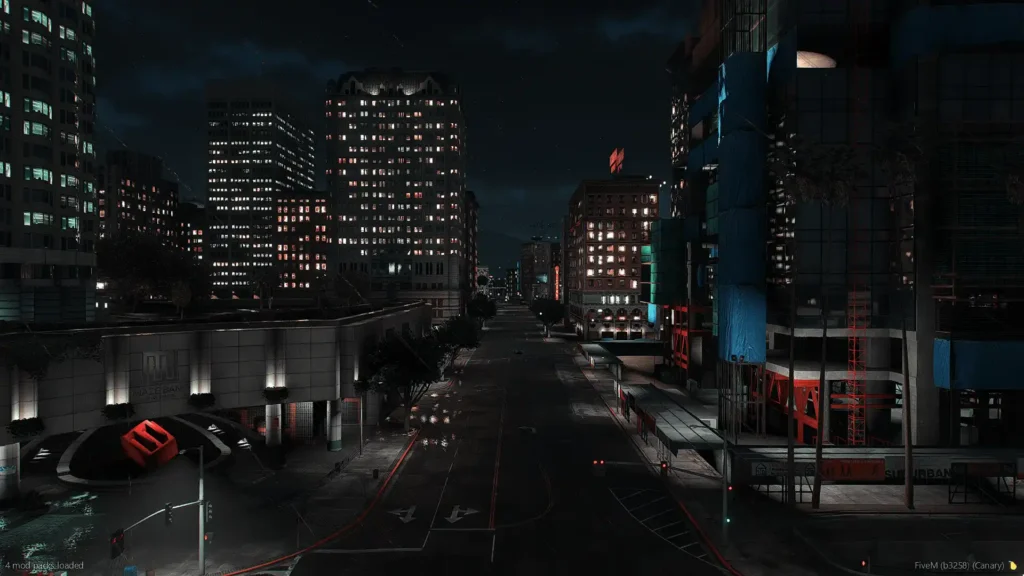
QuantV changes many aspects of GTA 5’s visual presentation while keeping the original gameplay intact. Depending on the version and configuration you install, the mod can provide:
- Realistic lighting and improved illumination
- Enhanced shadows and reflections
- Improved weather and atmospheric effects
- More cinematic colour grading
- Enhanced clouds, fog and rain effects
- Improved water and environmental reflections
- Depth of field and motion blur controls
- Camera control for screenshots and cinematic scenes
- Improved day and night visuals
- Customisable visual settings
- Support for additional ReShade effects and presets
Earlier QuantV releases also included extensive controls for depth of field, motion blur, reflections, lights, shadows, clouds and water, alongside camera controls and other gameplay-oriented features.
QuantV for GTA 5 Legacy and Enhanced
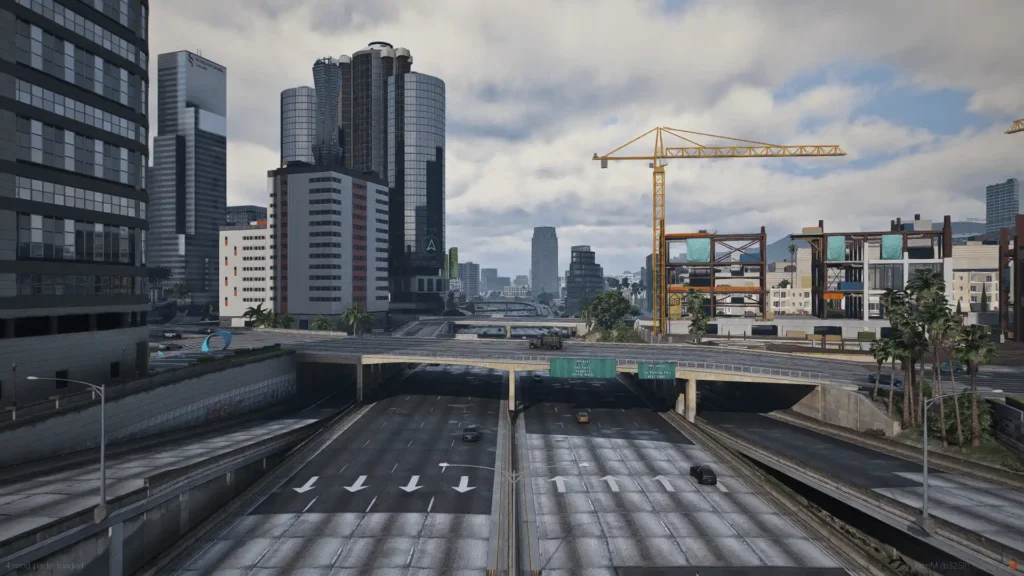
Before downloading QuantV, make sure you select the correct version for your copy of GTA 5.
Rockstar currently provides both GTA V Enhanced and GTA V Legacy on PC. The two versions use different game technology and modding methods, so a package designed for one version should not automatically be installed on the other.
If the QuantV download page provides separate packages, select the one specifically labelled for your version of GTA 5.
Requirements
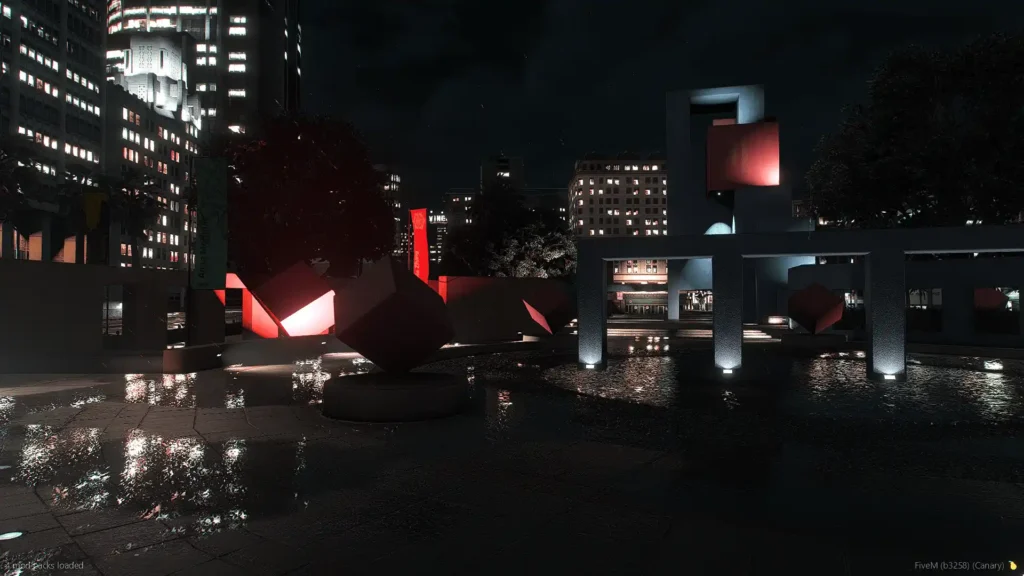
The exact requirements can vary between QuantV releases, but a typical GTA 5 graphics-mod setup may require:
- GTA 5 on PC
- OpenIV for Legacy/mod-folder installations
- Script Hook V where required by the version you are installing
- ReShade where required by the QuantV shader/preset setup
- A compatible DirectX 11 configuration
- Sufficient GPU VRAM and system memory
For older QuantV installations, OpenIV, Script Hook V and Microsoft Visual C++ Redistributable were listed among the prerequisites.
For modern versions, always check the included readme or release notes because requirements and installation procedures can change between updates.
QuantV Performance
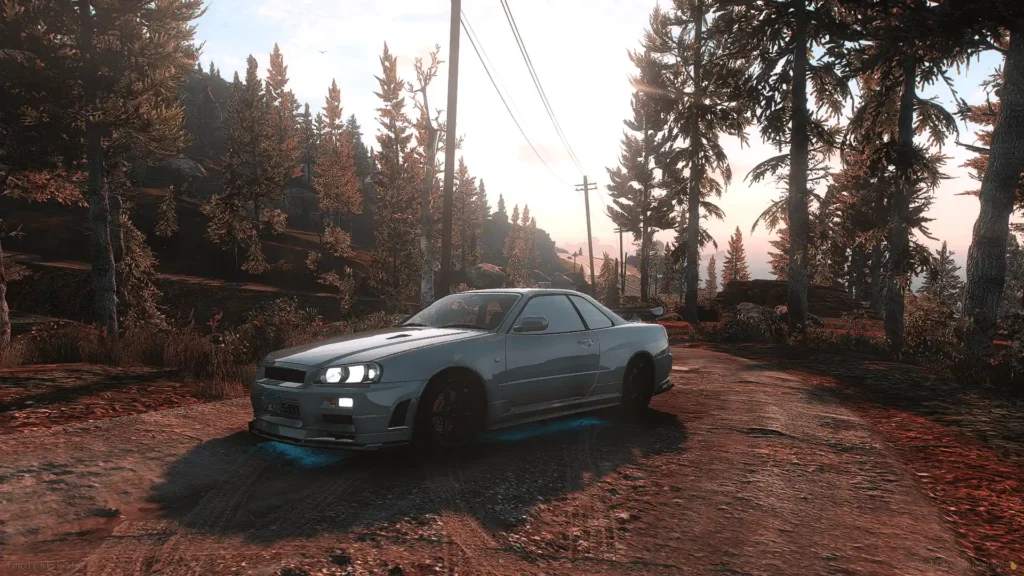
QuantV is a graphics overhaul, so its performance impact depends heavily on your hardware and the visual options you enable.
If you experience low FPS, stuttering or unusually high VRAM usage, try lowering settings such as:
- Reflection quality
- Shadow quality
- Post-processing quality
- MSAA
- Extended distance scaling
- ReShade effects
- Depth of field
- Additional weather or visual add-ons
A balanced QuantV configuration can often provide a better gameplay experience than simply enabling every available visual effect.
Can You Use QuantV With Other Graphics Mods?
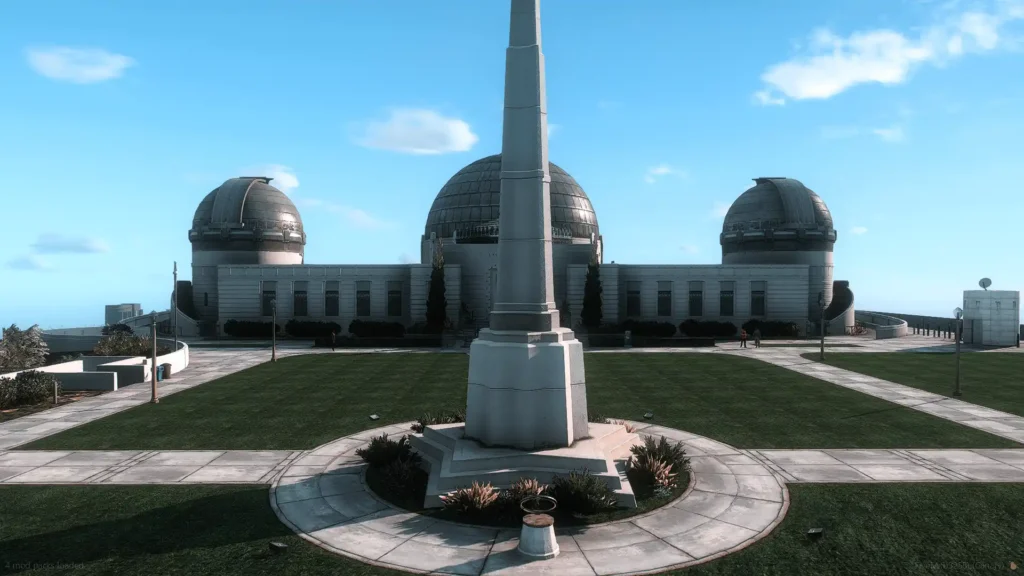
Yes, but compatibility should be checked carefully.
Graphics overhauls often modify the same files. Combining QuantV with another large graphics overhaul without following a dedicated compatibility guide can cause duplicated files, incorrect lighting, crashes or visual glitches.
For example, community installation guides for QuantV and NaturalVision Evolved explain that certain weather and timecycle components need to be handled carefully when combining the two mods.
If you want to use QuantV alongside another graphics mod, use a compatibility configuration specifically made for the versions you have installed.
QuantV vs NaturalVision Evolved
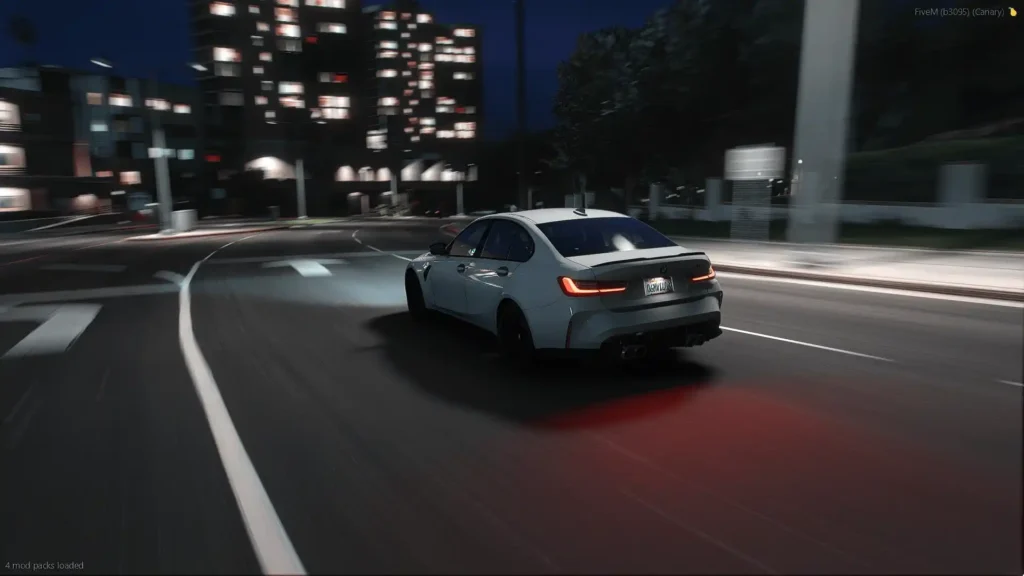
QuantV and NaturalVision Evolved are both designed to improve GTA 5’s graphics, but they approach the visual overhaul differently.
QuantV places considerable emphasis on shaders, lighting, colour grading, atmospheric effects and post-processing, while NVE provides a much broader visual overhaul covering the game’s environment and graphical presentation.
The best choice depends on the visual style you prefer and your PC’s performance. You should also avoid installing both complete overhauls together unless the specific versions are confirmed to be compatible.
QuantV for Screenshots and Cinematic Videos
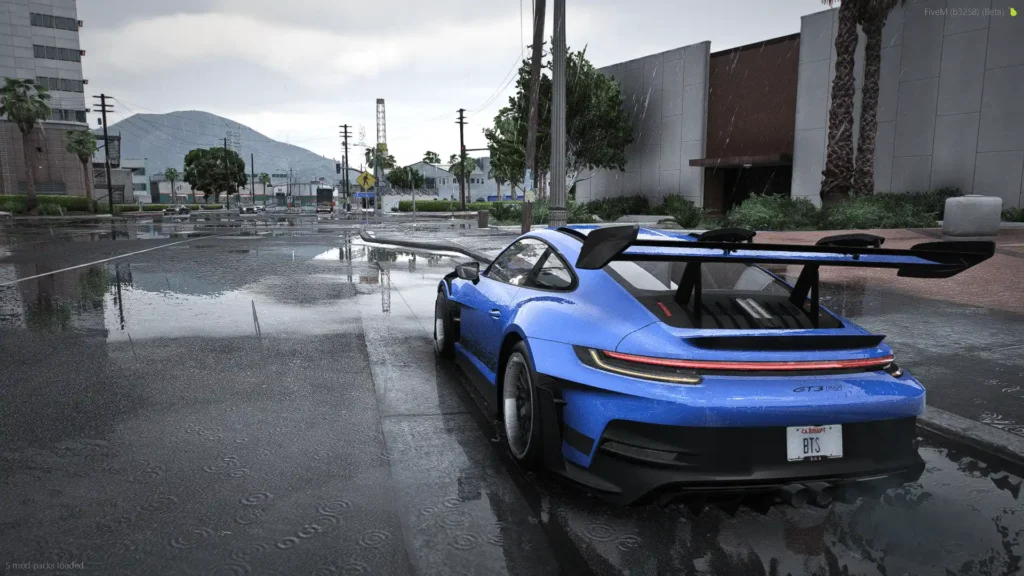
QuantV can be particularly useful for GTA 5 screenshots, cinematics and YouTube videos. Its lighting, colour grading, depth of field and camera-related options can produce a more cinematic appearance than the standard game.
For even more control, you can use a compatible ReShade preset. Current community presets for QuantV include natural and cinematic configurations designed for different visual styles.
Troubleshooting QuantV
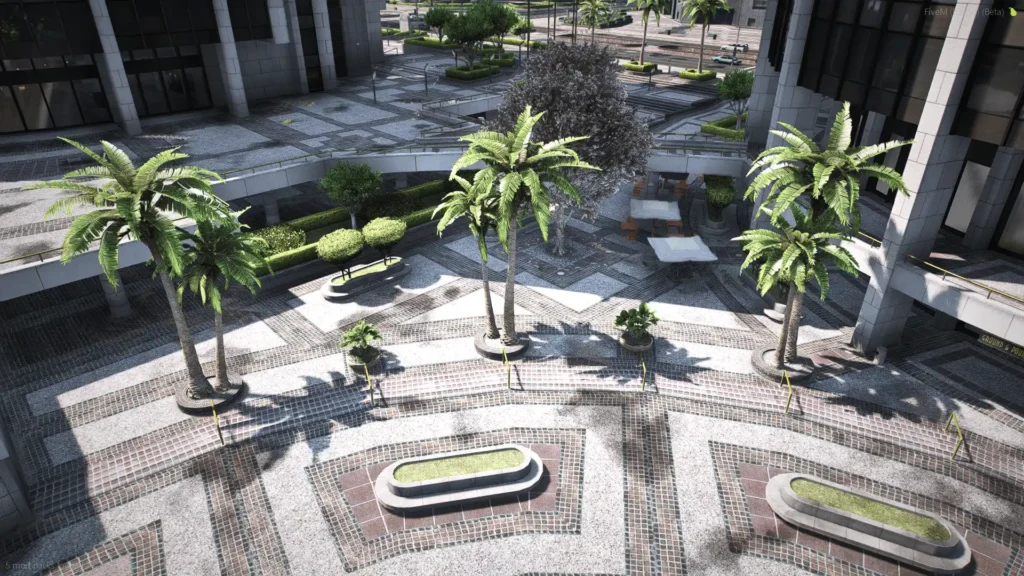
Here are some troubleshooting guides on QuantV:
GTA 5 crashes after installing QuantV
First, check whether the QuantV version matches your GTA 5 version. Remove recently installed graphics mods and test the game again. If necessary, restore your backup and reinstall QuantV on a clean setup.
QuantV does not appear in-game
Check that all required files have been copied to the correct location and that any required ASI loader, Script Hook V or ReShade components are installed correctly.
FPS is too low
Reduce demanding graphics settings and disable optional ReShade effects. Graphics mods can place substantially more load on your GPU, particularly at high resolutions.
Visual glitches appear
The most common cause is a conflict with another graphics mod. Temporarily remove other visual overhauls and test QuantV by itself before adding additional modifications.
The game will not launch after installing several graphics mods
Restore the backup or remove the most recently installed modification. Install graphics mods individually so you can identify which package is causing the conflict.
Is QuantV Worth Installing?
If you want to make GTA 5 look more realistic without changing its core gameplay, QuantV is worth considering. It can significantly change the game’s lighting, atmosphere, reflections and overall colour presentation, particularly when combined with a properly configured ReShade setup.
For the best results, use the latest compatible QuantV release, follow its included installation instructions and avoid mixing files from different versions.
Important Note
QuantV is actively developed and its distribution model can change. The developer’s current Patreon identifies QuantV as an evolving graphics and shader project and provides access to current development releases.
For safety and compatibility, download QuantV only from a legitimate source associated with the developer rather than unofficial “free download”, repack or cracked copies.
FAQ’s
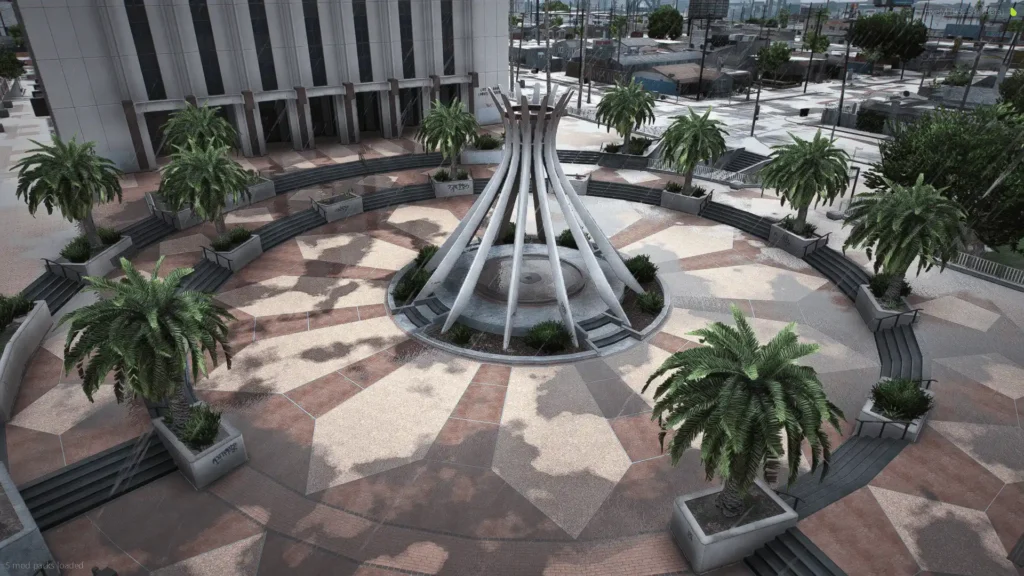
Frequently Asked Questions:
Is QuantV free?
Availability depends on the particular QuantV release and distribution model. The developer currently provides QuantV through its official Patreon, with some content available through membership.
Does QuantV work with GTA 5 Enhanced?
QuantV has releases and configurations intended for different GTA 5 platforms and versions. Always download the package specifically labelled for GTA 5 Enhanced if you are using Enhanced Edition.
Does QuantV work with GTA 5 Legacy?
Yes, QuantV has been used with GTA 5 Legacy, but you should install the release intended for the Legacy version rather than using Enhanced files.
Does QuantV work with FiveM?
QuantV has also been used in FiveM graphics configurations, but FiveM installation is different from GTA 5 Story Mode. Use a package specifically intended for FiveM rather than installing a single-player package directly into your FiveM files.
Can I use QuantV with ReShade?
Yes. QuantV has evolved into a shader suite for ReShade, and additional ReShade presets are available from the community.
Will QuantV improve GTA 5 FPS?
No. QuantV is primarily a visual enhancement and may reduce FPS depending on your hardware and settings. For better performance, use lower-quality presets and disable demanding effects.
Can I use QuantV with NVE?
It can be possible with a compatible configuration, but you should not simply install both complete packages. They can modify overlapping visual systems, so follow a guide designed specifically for the QuantV and NVE versions you are using.
Final Thoughts
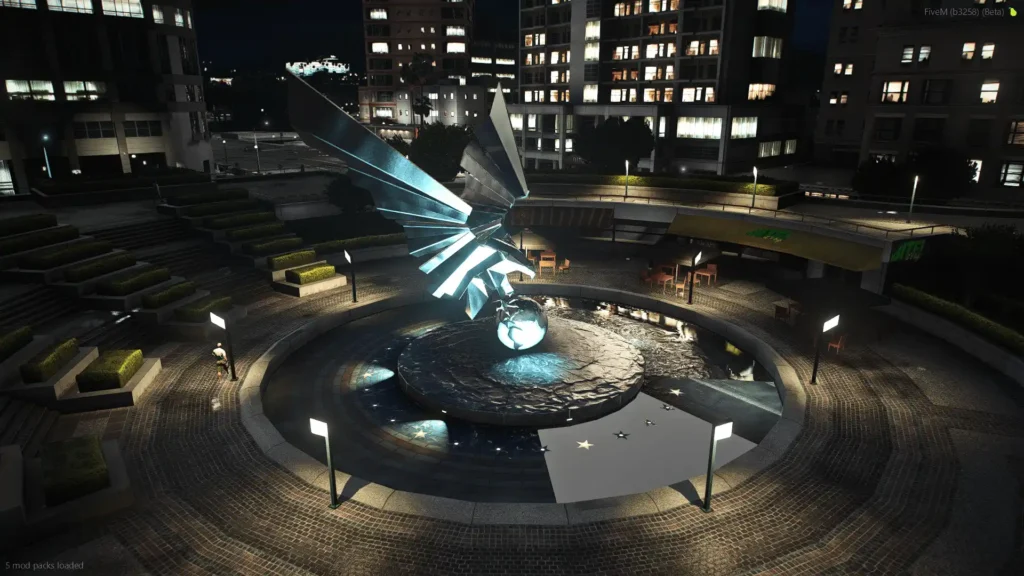
QuantV is a strong option for GTA 5 players who want a more realistic and cinematic visual experience. With enhanced lighting, weather, reflections, colour grading and shader effects, it can give Los Santos a noticeably different appearance while retaining the original gameplay.
For the most stable installation, start with a clean game, back up your files, install the correct QuantV version for your edition of GTA 5 and add other visual mods only after confirming compatibility.
Download Section
You can obtain the latest QuantV from the Official patreon.
Releases