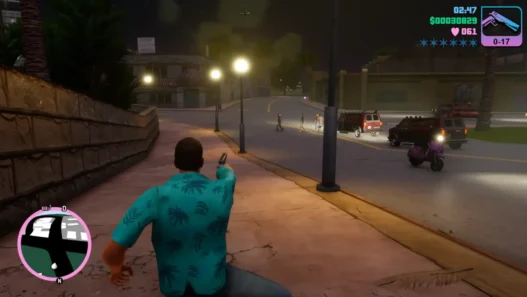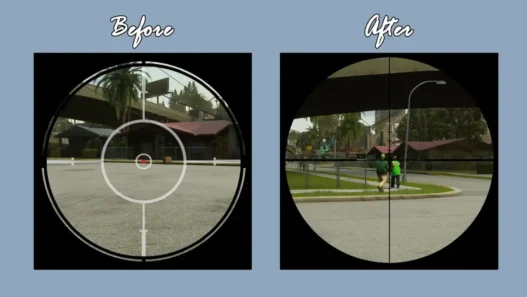

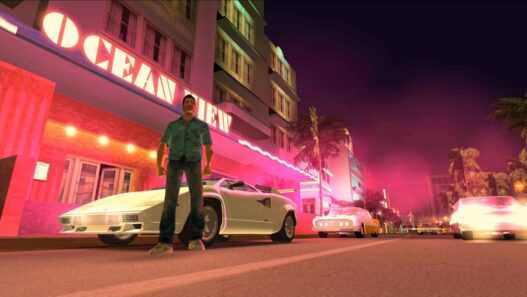
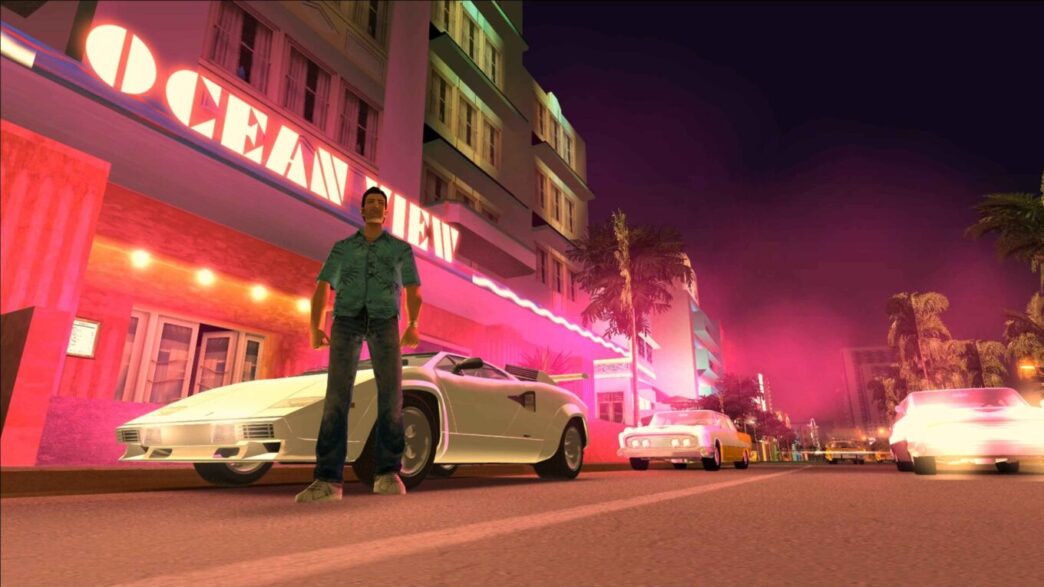
A fixed and optimised version of bigbadjarret’s Better LOD Config for GTA Vice City Definitive Edition.
This version improves performance and visual quality while resolving several issues from the original release.
Fixes Included
Resolved FPS drop issue
Fixed non-functional street lights
Restored car shadows
Installation (PC)
Download the mod and replace CustomSettings.ini located in:
C:Users[YourUser]DocumentsRockstar GamesGTA Vice City Definitive EditionConfigWindowsNoEditorOpen GameUserSettings.ini in the same folder.
Find the line Traffic=2 and change it to Traffic=3.
Uninstallation
Simply delete the CustomSettings.ini file and run the game. It will regenerate the default configuration automatically.
Compatibility
Works with GTA Vice City Definitive Edition v1.0.17.38838 (Steam version).
Credits
Amir Takro, SanAndreasjpeg
Version: 1.0